The Wi-Fi problem
Wi-Fi speeds can fall well below your internet connection's potential due to router location, interference and the number of connected devices, and can raise security concerns if not properly configured.
Information, reviews and buying advice
Independent information, reviews and buying advice on powerline adapters for UK homes.
Wi-Fi speeds can fall well below your internet connection's potential due to router location, interference and the number of connected devices, and can raise security concerns if not properly configured.
Powerline adapters piggy-back on your home's electrical wiring to create a wired network from any standard plug socket, combining the convenience of Wi-Fi with the speed and security of a wired connection.
A simple, plug-and-play process: connect one adapter near your router and another near your device, then sync them to get a stable, wired-speed connection.
Read moreReal-world speeds are lower than the advertised maximum, but powerline adapters still typically offer a much faster, more stable connection than Wi-Fi alone.
Read moreFrom router placement to reducing interference and securing your network, there are several ways to improve Wi-Fi speed, including adding a powerline adapter.
Read moreThis site aims to give you an overview of the problems and benefits of these fantastic home networking devices. With the current emphasis on working from home, a powerline adapter can transform the way you work.
Powerline adapters are a fantastic way to get the most out of your internet connection without the need for cables trailing all around your home, combining convenience, flexibility, performance and security.
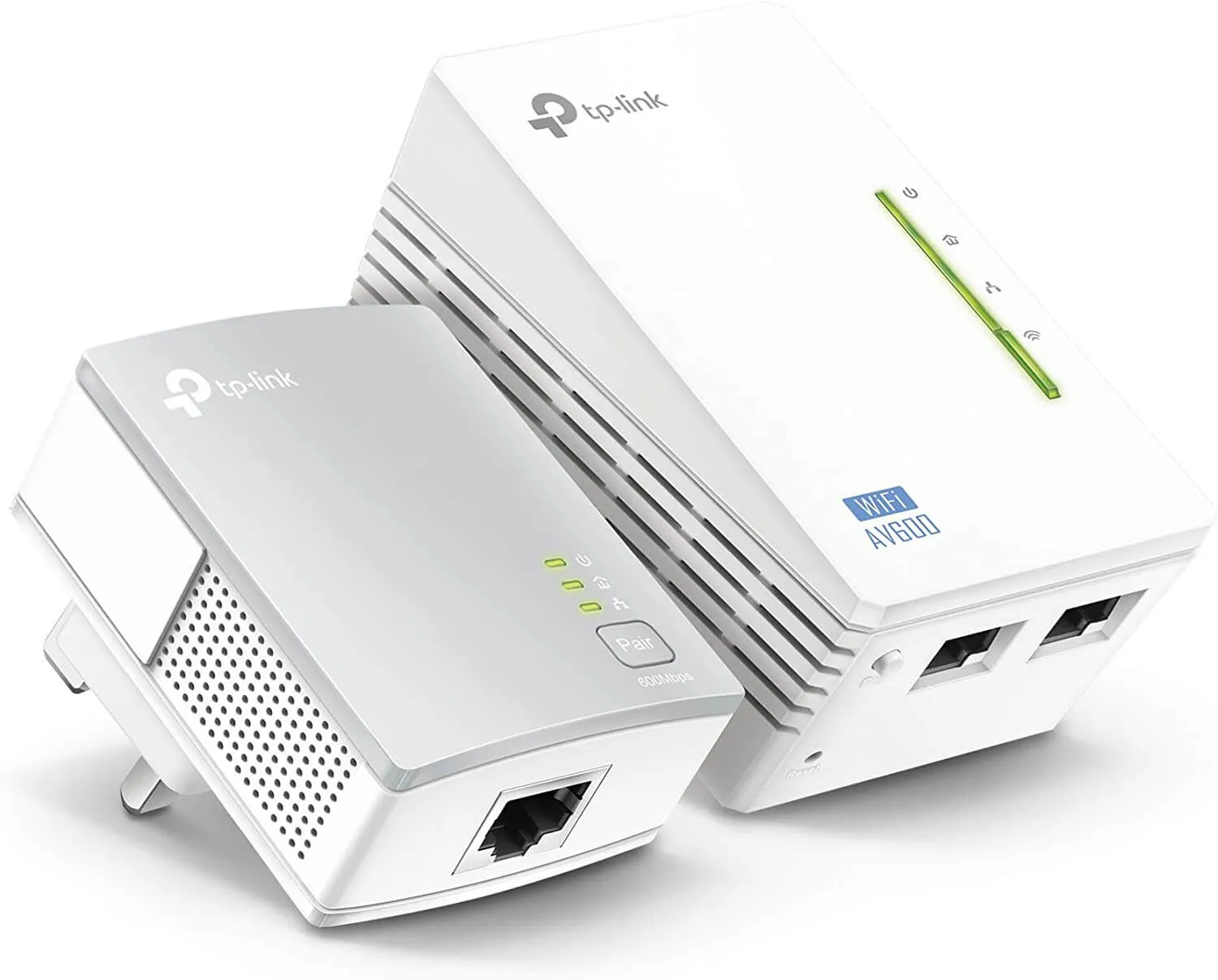
Real-world speeds are usually lower than the advertised maximum due to factors such as the age of your home's wiring, mains fluctuations and interference, but speeds typically range from around 500 Mbps to 2000 Mbps depending on the adapter, and are usually much faster than Wi-Fi alone.
The average broadband speed in the UK is around 63 Mbps, but actual Wi-Fi speeds can range from about 10 Mbps to 50 Mbps depending on the router, distance and interference.
Plug one adapter into a socket near your router and connect it with an Ethernet cable, then plug the second adapter into a socket near your device and connect that too. Once the LEDs turn solid green the connection is stable, and you can configure security settings and test the connection.
Move your router to a clearer, more central position, remove sources of interference, secure your network, try a different wireless channel, contact your provider if problems persist, or add a powerline adapter.
Read our guides on choosing, setting up and getting the best speed from your powerline adapter.